WebP Converter – WebP to PNG & JPG

Reasons to use WebP image converter
Convert JPG and PNG images to WebP
Convert your PNG and JPEG files to the WebP image format, which is proven to show 25–34% smaller file sizes at a similar quality.

WebP is supported on modern browsers
All browsers support WebP images, except for Internet Explorer, which has been discontinued. You can serve WebP images on Chrome, Safari, Opera, Microsoft Edge, and Firefox.
Convert WebP images to JPG or PNG
Need to upload your WebP images to an app or access them in a print-friendly format? Convert up to 10 WebP files to JPG or PNG and access the most widely compatible image formats in seconds!

Keep images high-quality at a reduced size
Never sacrifice quality! With the WebP format, you’ll achieve perfect balance. Serve images of small sizes and outstanding quality. Great website speed and satisfied visitors guaranteed!

Bulk convert up to 10 images
Drag and drop up to 10 images at once to convert files in a matter of seconds. The TinySEO WebP converter lets you download all files with a single click.

100% secure & private
The TinySEO image converter prioritizes security, ensuring your data is always safe with advanced SSL encryption and a strict no-access policy.

Automate image compression on Shopify for faster pages and more conversions
Install TinySEO now (opens in a new tab)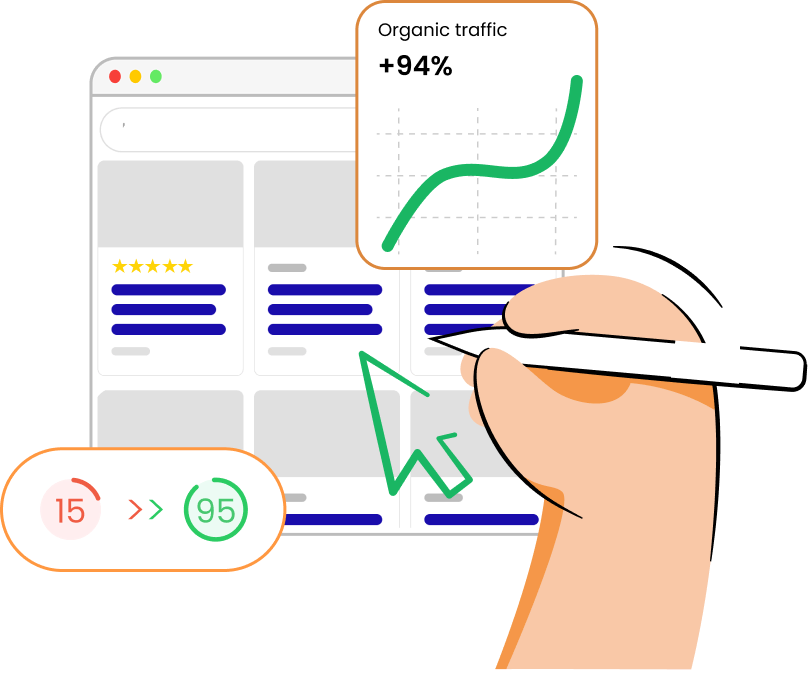
What is a WebP file?
How to convert images to WebP?
- Click the "Upload files" button or drag and drop up to 10 files.
- Wait for the files to convert.
- Click the download button by each file or press "Download all."